How We Compared These Landing Page Builders
A landing page has one job: get a visitor to take a single action, such as joining a list, booking a call or buying. We compared builders on what helps that job:
- Templates: landing page, opt-in, sales and webinar layouts.
- Conversion elements: forms, buttons, countdowns, testimonials and lead magnets.
- Testing: built-in A/B testing or easy integration with a testing tool.
- Integrations: email services, payment tools and analytics.
- Speed and control: how much code the builder adds and how much design freedom you get.
- Cost over time: yearly licenses versus monthly subscriptions.
Landing Page Builders Compared

| Builder | Type | Price | A/B Testing | Best For |
|---|---|---|---|---|
| Thrive Architect | WordPress plugin (in Thrive Suite) | Suite $599/yr list, intro pricing lower | Yes, with Thrive Optimize | Conversion-focused pages in WordPress |
| Elementor | WordPress plugin | Free; Pro from $60/yr | Not built in | General design flexibility |
| SeedProd | WordPress plugin | Free; paid tiers | Check plan | Fast, template-led pages |
| Divi | Theme and builder | $89/yr or $249 lifetime | Yes (Divi Leads) | Unlimited sites |
| Leadpages | Hosted, with WordPress plugin | From $29/mo | Yes, from Grow | Marketers who want hosted testing |
| systeme.io | Hosted all-in-one | Free plan; paid from $17/mo | Check plan | Funnels, email and courses in one |
| ClickFunnels | Hosted funnel platform | From $97/mo ($81 annual) | Yes | Full sales funnels |
1. Thrive Architect: Best for Conversion-Focused Pages in WordPress
Thrive Architect is the visual editor at the heart of Thrive Suite. It was built for marketers, so its elements and templates focus on conversion: opt-in forms, call-to-action buttons, countdown timers, testimonials, pricing tables and lead generation blocks. Landing page template sets cover opt-in pages, sales pages, webinar registrations and thank-you pages.
Because it sits inside Thrive Suite, you also get Thrive Leads for opt-in forms and popups, Thrive Optimize for A/B testing landing pages, Thrive Quiz Builder, Thrive Apprentice for courses and Thrive Theme Builder for site-wide design. Thrive Suite covers five sites and lists at $599 per year, with lower introductory pricing shown on its pricing page and a $149 quarterly option. Renewals are at full price, and there is a 30-day refund window.
Best for: marketers, coaches and course creators who want landing pages, opt-ins and testing on their own WordPress site.
Watch out for: Thrive Suite is a subscription, and layouts built with Thrive Architect need the plugin active to display as designed. Read the full Thrive Themes review.
Thrive Suite · check current pricing and plan limits on the official site.
Get Thrive Suite2. Leadpages: Best Hosted Landing Pages With a WordPress Plugin
Leadpages is a hosted landing page platform. You design pages in its editor, and Leadpages hosts them, but its WordPress plugin lets you publish pages on your own domain. Plans range from Pro at $29 per month for publishing to Grow at $99 per month, which adds A/B testing and personalization, and Optimize at $199 per month with heatmaps and automated traffic allocation. Annual billing saves 20%, and there is a 7-day trial that requires a card.
Best for: marketers who run paid traffic and want hosted pages with built-in testing.
Watch out for: monthly costs add up, and A/B testing starts on the Grow plan.
Leadpages · check current pricing and plan limits on the official site.
See Leadpages Plans3. Elementor: Best General Page Builder for Landing Pages
Elementor is the most popular visual builder for WordPress, with more than 10 million active installs. Its free version is enough to build simple landing pages, and Pro adds form widgets, a popup builder, theme building and more templates. Pro plans start at $60 per year for one site, but the Essential plan leaves out the popup builder and some form features; Advanced Solo at $84 per year is the better landing page tier.
Best for: owners who want one builder for the whole site, including landing pages.
Watch out for: no built-in A/B testing and heavier pages if you use many widgets. See the Elementor review.
Elementor Pro · check current pricing and plan limits on the official site.
See Elementor Pro Plans4. SeedProd: Fast, Template-Led Landing Pages
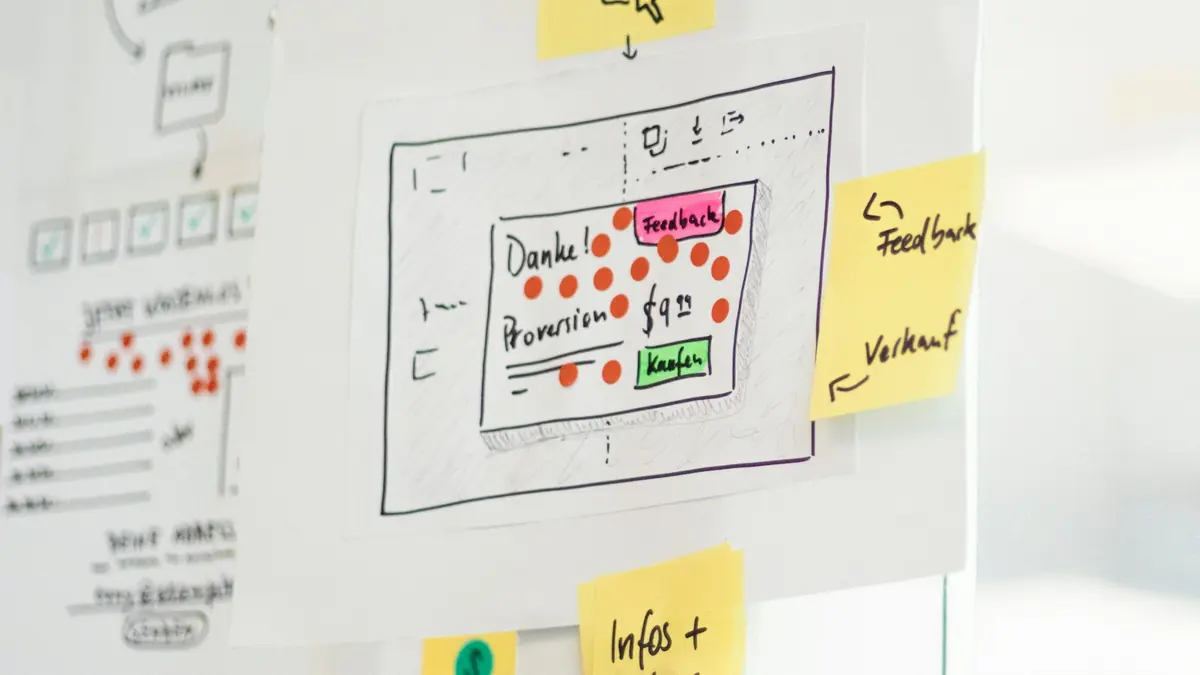
SeedProd started as a coming-soon page plugin and grew into a landing page and theme builder. Its free version, with more than 600,000 active installs and a 4.9 rating, builds simple landing, coming-soon and maintenance pages. Paid plans add more templates, integrations and a full theme builder.
Best for: quick, clean landing pages and launch pages.
Watch out for: advanced features are reserved for higher plans.
5. Divi: Best for Unlimited Sites
Divi combines a theme and visual builder and includes Divi Leads for split testing layouts. Its $89 yearly or $249 lifetime license covers unlimited sites, which makes it cost-effective for agencies. Divi 5 rebuilt the builder with a faster engine. See the Divi review.
Best for: designers and agencies building many sites.
Watch out for: layouts are tied to Divi, so switching later means rebuilding pages.
6. systeme.io: Best Free All-in-One Funnel Tool
systeme.io is a hosted platform that combines funnels, landing pages, email marketing, courses and checkouts. Its free plan includes up to 2,000 contacts, three funnels, one course and one custom domain, with unlimited email sends. Paid plans start at $17 per month and charge no transaction fees.
Best for: creators who want landing pages, email and courses in one place without WordPress plugins.
Watch out for: pages live on systeme.io rather than inside WordPress, so your site and funnel are separate.
systeme.io · check current pricing and plan limits on the official site.
Try systeme.io Free7. ClickFunnels: Best for Full Sales Funnels
ClickFunnels is a hosted funnel platform built around multi-step sales funnels, upsells and checkouts. Plans start at $97 per month, or $81 per month billed annually, with higher tiers for more workspaces and contacts.
Best for: businesses running paid traffic to multi-step sales funnels.
Watch out for: it is one of the most expensive options here and sits outside WordPress.
ClickFunnels · check current pricing and plan limits on the official site.
See ClickFunnels PlansWordPress Plugin vs Hosted Landing Page Tool
| Factor | WordPress Plugin | Hosted Tool |
|---|---|---|
| Where pages live | Your WordPress site | The vendor's servers (often on your domain) |
| Typical cost | Yearly license | Monthly subscription |
| Speed | Depends on your hosting and builder | Managed by vendor |
| A/B testing | Some plugins (Thrive Optimize, Divi Leads) | Usually built in on higher plans |
| Checkout and funnels | Needs extra plugins | Often built in |
| Lock-in | Builder-specific layouts | Pages tied to the platform |
Choose a WordPress plugin if you want everything on your own site and a lower long-term cost. Choose a hosted tool if you want built-in testing, checkouts or funnels and do not mind a monthly bill.
What Makes a Good Landing Page

Whatever tool you use, high-converting landing pages share a few traits:
- One goal. Every element supports a single action.
- A clear headline that states the benefit.
- Minimal navigation, so visitors are not pulled away.
- A short form that asks only for what you need.
- Proof, such as genuine testimonials, results or credentials.
- A visible call to action above the fold and repeated further down.
- Fast loading, especially on mobile.
A squeeze page is the simplest form of landing page, built only to collect an email address. Our guide What Is a Squeeze Page? explains how to build one.
Landing Pages and Speed
Landing pages often receive paid traffic, where slow loading wastes money. Keep them light:
- Use one hero image, compressed and correctly sized.
- Avoid sliders and autoplay video above the fold.
- Limit animations and third-party scripts.
- Use caching and a CDN, as explained in our speed optimization guide.
Connecting Landing Pages to Email
A landing page that collects emails needs an email service behind it. Most builders connect directly to popular services such as AWeber, Moosend, Mailchimp and ConvertKit, or through automation tools. See the best email marketing plugins for WordPress for options.
Landing Page Builder Features Compared
| Feature | Thrive Architect | Elementor Pro | SeedProd | Divi | Leadpages |
|---|---|---|---|---|---|
| Landing page templates | Yes | Yes | Yes | Yes | Yes |
| Opt-in forms | Yes (with Thrive Leads) | Yes (Pro) | Yes | Yes | Yes |
| Countdown timers | Yes | Yes | Yes | Yes | Yes |
| Built-in A/B testing | Yes (Thrive Optimize) | No | Check plan | Yes (Divi Leads) | Yes (from Grow) |
| Popups | Yes (Thrive Leads) | Yes (Advanced and up) | Check plan | Through modules | Yes |
| Hosted on your WordPress site | Yes | Yes | Yes | Yes | Via plugin or hosted |
| Pricing model | Yearly suite license | Yearly | Yearly | Yearly or lifetime | Monthly |
Types of Landing Pages You Can Build
| Page Type | Goal | Key Elements |
|---|---|---|
| Opt-in (squeeze) page | Collect emails | Headline, lead magnet, short form |
| Sales page | Sell a product | Benefits, proof, pricing, FAQ, guarantee |
| Webinar registration | Sign up for an event | Date, topic, speaker, form |
| Thank-you page | Confirm and guide the next step | Confirmation, next action, optional offer |
| Lead capture for services | Book calls or request quotes | Benefits, proof, booking or quote form |
| Product launch or waitlist | Build interest before launch | Teaser, date, signup form |
Most builders on this list include templates for each type. Start from a template, then cut anything that does not support the page's single goal.
How to Build Your First WordPress Landing Page
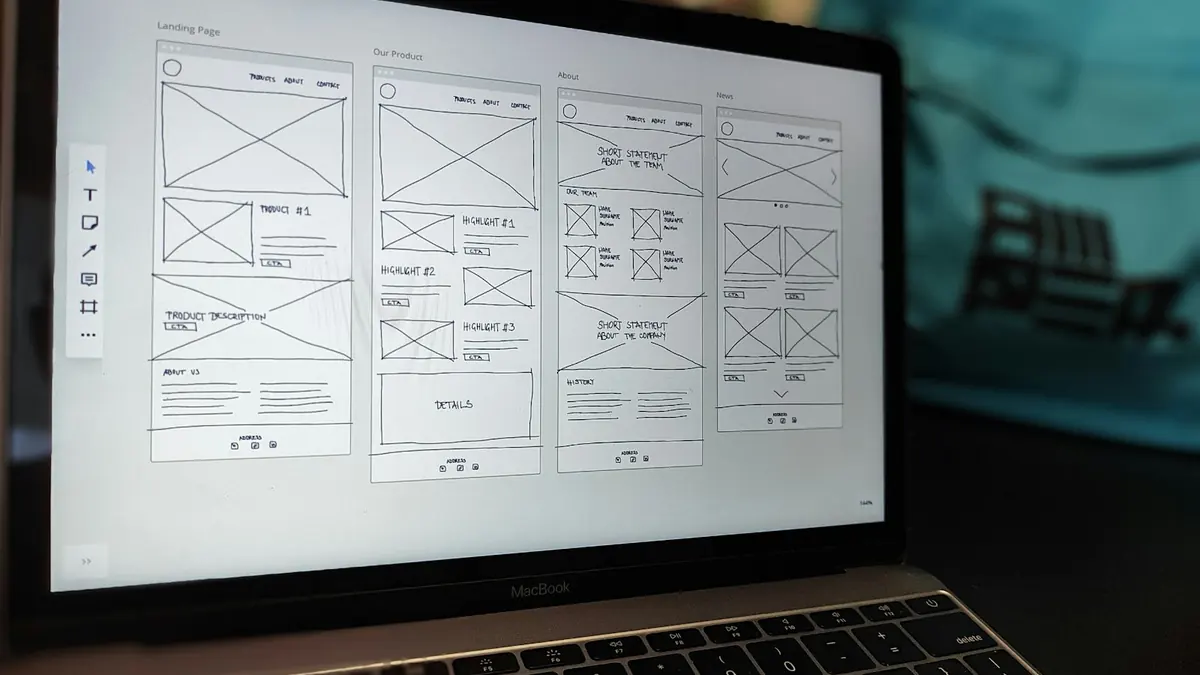
- Pick one goal and one audience.
- Choose a template close to that goal in your builder.
- Remove navigation and sidebars using a blank or full-width page template.
- Write the headline first, then the benefits and call to action.
- Connect the form to your email service or CRM.
- Add proof you genuinely have, such as testimonials or credentials.
- Check speed and mobile layout.
- Publish, send traffic and measure the conversion rate.
- Test one change at a time once you have enough visitors.
A/B Testing Without Guesswork
A/B testing compares two versions of a page to see which converts better. It only works with enough traffic: small differences need many visitors before results are reliable. Practical tips:
- Test big changes first, such as the offer or headline, not button colors.
- Run one test at a time on a page.
- Let tests run for full weeks to account for weekday and weekend differences.
- Stop tests only when the tool reports a clear result.
Thrive Optimize, Divi Leads and Leadpages' higher plans include testing. Elementor users typically add an external testing tool.
Long-Term Cost Comparison
| Option | Year 1 | Year 3 Total | Notes |
|---|---|---|---|
| Elementor Advanced Solo | $84 | ~$252 | One site |
| Divi lifetime | $249 | $249 | Unlimited sites |
| Leadpages Pro (monthly) | $348 | ~$1,044 | Hosted pages |
| systeme.io free | $0 | $0 | Within free plan limits |
| ClickFunnels Launch (annual) | $972 | ~$2,916 | Hosted funnels |
Thrive Suite's cost depends on the introductory offer at purchase and the full-price renewal afterwards, so check its pricing page for the current figures.
Landing Page Mistakes to Avoid
- Too many goals. Two calls to action split attention and lower conversions.
- Leaving the main navigation in place. Visitors click away instead of converting.
- Long forms. Ask only what you need at this stage.
- Slow pages. Heavy images and scripts waste paid traffic.
- Unproven claims. Use genuine testimonials and specific, honest benefits.
- No thank-you page. Use it to confirm the signup and suggest a next step.
Questions to Ask Before Choosing

- Will you build landing pages often? Frequent campaigns justify a dedicated tool with templates and testing.
- Do you need A/B testing? If yes, look at Thrive Optimize, Divi Leads or a hosted tool such as Leadpages.
- Where should pages live? On your WordPress site, or on a hosted platform with its own checkout?
- Who will build the pages? Non-technical teams benefit from template-led builders.
- What will it cost in three years? Compare yearly licenses with monthly subscriptions over time.
- How hard is it to leave? Builder-specific layouts usually need rebuilding if you switch.
Answering these narrows the list quickly. Most WordPress site owners who build opt-in and sales pages regularly end up with either a conversion suite such as Thrive or a general builder such as Elementor, and only move to a hosted platform when they need built-in checkouts and funnels.
Remember that the tool matters less than the offer and the message. A clear, specific page built with simple blocks will outperform a cluttered page built with the most expensive builder.
Which Landing Page Builder Should You Choose?
| Your Situation | Best Choice |
|---|---|
| Marketing site on WordPress with opt-ins and A/B tests | Thrive Suite (Thrive Architect + Optimize) |
| One builder for the whole site | Elementor |
| Many client sites | Divi |
| Hosted pages with testing for paid traffic | Leadpages |
| Free all-in-one funnels and email | systeme.io |
| Multi-step sales funnels with upsells | ClickFunnels |
For a closer look at Leadpages' five plans, limits and WordPress publishing, read the full Leadpages review.
Our Take
For landing pages on your own WordPress site, Thrive Architect with the rest of Thrive Suite gives you the most conversion tools in one license. Elementor is the best general builder if you also want it for the rest of your site. If you prefer a hosted platform with built-in testing, Leadpages is the most focused option, while systeme.io offers the best free starting point for funnels and email. More guides are in the WordPress plugins section.
Frequently Asked Questions
What Is the Best Landing Page Builder for WordPress?
For conversion-focused pages inside WordPress, Thrive Architect is a strong choice, especially with the rest of Thrive Suite. Elementor is the most popular general builder. Leadpages suits marketers who want hosted pages with built-in testing.
Can I Build Landing Pages with the WordPress Block Editor?
Yes. With a block theme or block plugins, you can build clean landing pages for free. Dedicated builders add templates, conversion elements, popups and A/B testing.
What Is the Difference Between a Landing Page Builder and a Page Builder?
A page builder designs any page. A landing page builder focuses on conversion: distraction-free templates, opt-in forms, countdown timers, A/B testing and integrations with email services.
Should I Use a Hosted Landing Page Tool or a WordPress Plugin?
A WordPress plugin keeps pages on your domain and costs less long term. A hosted tool such as Leadpages, systeme.io or ClickFunnels handles hosting, testing and sometimes checkout, at a monthly cost.
Do Landing Page Builders Slow Down WordPress?
Visual builders add code compared with plain blocks. Keep landing pages simple, compress images and use caching. A focused landing page with few elements loads quickly even when built with a visual builder.