What Makes a Good Portfolio Theme

Portfolio sites live or die on presentation. A good portfolio theme should:
- Put the work first, with large images and minimal clutter
- Offer flexible project layouts: grids, masonry, full-width galleries and case study pages
- Load fast with many images, through lean code and support for lazy loading and modern formats
- Look sharp on phones, where many clients first see your work
- Make contact easy, with clear calls to action and simple forms
- Be easy to update, so adding a new project takes minutes, not hours
Install counts and ratings below come from WordPress.org in November 2026, and prices from each vendor's site.
Portfolio Themes Compared
| Theme | Type | Price (Nov 2026) | Installs | Rating | Best for |
|---|---|---|---|---|---|
| Divi | Theme + visual builder | $89/yr or $249 lifetime | Sold directly | n/a | Custom, design-led portfolios |
| Astra | Free theme + Pro add-on | Free; Pro from $59/yr | 1,000,000+ | 4.9 | Fast setup with starter templates |
| Inspiro | Free theme | Free | 60,000+ | 4.7 | Photographers and videographers |
| Kadence | Free theme + bundle | Free; bundle from $350/yr | 500,000+ | 4.9 | Block-based designers |
| Blocksy | Free theme + Pro | Free; Pro from $69/yr | 300,000+ | 5.0 | Modern, minimal portfolios |
| Sydney | Free theme + Pro | Free | 80,000+ | 4.9 | Agencies and studios |
| Hestia | Free theme + Pro | Free | 70,000+ | 4.8 | One-page portfolios |
| Twenty Twenty-Four | Default block theme | Free | 500,000+ | 3.8 | Simple portfolios in the Site Editor |
| Ollie | Free block theme + Pro | Free | 7,000+ | 5.0 | Modern block-based portfolios |
1. Divi: Best for Custom, Design-Led Portfolios
Price: $89 per year or $249 lifetime for unlimited sites. 30-day refund.
Divi gives designers full visual control. Its builder lets you design every portfolio page, project grid and case study exactly as you want, with animations, hover effects and custom layouts. The Divi layout library includes many complete designs you can import and adapt, including portfolio and agency layouts.
Why choose it: maximum creative freedom without code, plus unlimited sites, which suits freelancers who also build sites for clients.
Consider: visual builders add more code than a lean theme. Keep animations and image sizes under control. See the Divi review and Divi pricing, or see Divi's plans.
2. Astra: Best Free Theme With Portfolio Templates
Price: free; Astra Pro add-on $59 per year or $229 lifetime for three sites. 14-day refund.
Astra's Starter Templates library includes portfolio designs for photographers, designers and creative agencies, built for the block editor and page builders. Import one, swap in your work and you have a professional site quickly.
Why choose it: fast setup, a lean base and the freedom to use any page builder.
Consider: some of the most polished templates are part of paid bundles. See the Astra review.
3. Inspiro: Best for Photographers and Video Creators
Price: free in the WordPress.org directory, from WPZOOM.
Inspiro describes itself as a lightweight theme for small businesses, creative professionals, photographers and visual portfolios. According to its WordPress.org listing, it offers more than 20 starter sites for Elementor and the block editor, including portfolio designs, and its free Starter Sites plugin includes an AI demo generator that builds a custom starting site from a description.
Why choose it: a design aimed at visual portfolios, with starter sites for both the block editor and Elementor, at no cost.
Consider: it is less suited to text-heavy portfolios such as writing or consulting.
4. Kadence: Best for Block-Based Designers
Price: free theme and blocks; premium bundle from $350 per year.
Kadence's free version includes a visual header builder and the powerful Kadence Blocks plugin, which makes it easy to build gallery grids, project sections and case study pages in the block editor.
Why choose it: the most design tools of any free theme, without a page builder.
Consider: premium features come only in a bundle with other products. See Astra vs Kadence.
5. Blocksy: Best for Modern, Minimal Portfolios
Price: free; Blocksy Pro from $69 per year or $199 lifetime. 14-day refund.
Blocksy's clean, contemporary defaults suit minimalist portfolios. The free version includes a header and footer builder and good typography controls, and its starter sites include creative designs.
Why choose it: a modern look with very little setup.
See the full Blocksy review.
6. Sydney: Best for Agencies and Studios
Price: free, with a paid Pro version from aThemes.
Sydney is a business-focused theme with header sliders, a header builder and starter sites for agencies and creative studios. It works well for small teams that want a polished front page and service sections alongside the portfolio.
Why choose it: a professional, agency-style look out of the box.
7. Hestia: Best One-Page Portfolio
Price: free, with a paid Pro version from Themeisle.
Hestia is built around a one-page layout with sections for work, team, testimonials and contact on a single scrolling page. It is a good fit for freelancers who want visitors to see everything in one place.
Why choose it: a simple, focused presentation for a single offer.
Consider: larger portfolios with many projects outgrow the one-page format.
8. Twenty Twenty-Four: Best Simple Block Theme Portfolio
Price: free, the previous default WordPress theme.
Twenty Twenty-Four was designed with portfolio, business and writer use cases in mind and includes patterns for each. If you want a simple, maintained portfolio built entirely in the Site Editor, it is a dependable choice.
Consider: Twenty Twenty-Five is the newer default. Compare both in best block themes.
9. Ollie: Best Modern Block Theme Portfolio
Price: free, with Ollie Pro available.
Ollie is a polished block theme with more than 50 pattern designs and full-page layouts according to its listing. It suits creatives who want a contemporary site built in the Site Editor.
Why choose it: modern design and a strong pattern library without a page builder.
Which Portfolio Theme Should You Choose?
| You are a... | Best choice |
|---|---|
| Designer who wants full creative control | Divi |
| Freelancer who wants a professional site fast | Astra |
| Photographer or videographer | Inspiro |
| Designer who prefers the block editor | Kadence or Ollie |
| Minimalist | Blocksy |
| Small agency or studio | Sydney or Divi |
| Freelancer with one main offer | Hestia |
Portfolio Needs by Profession
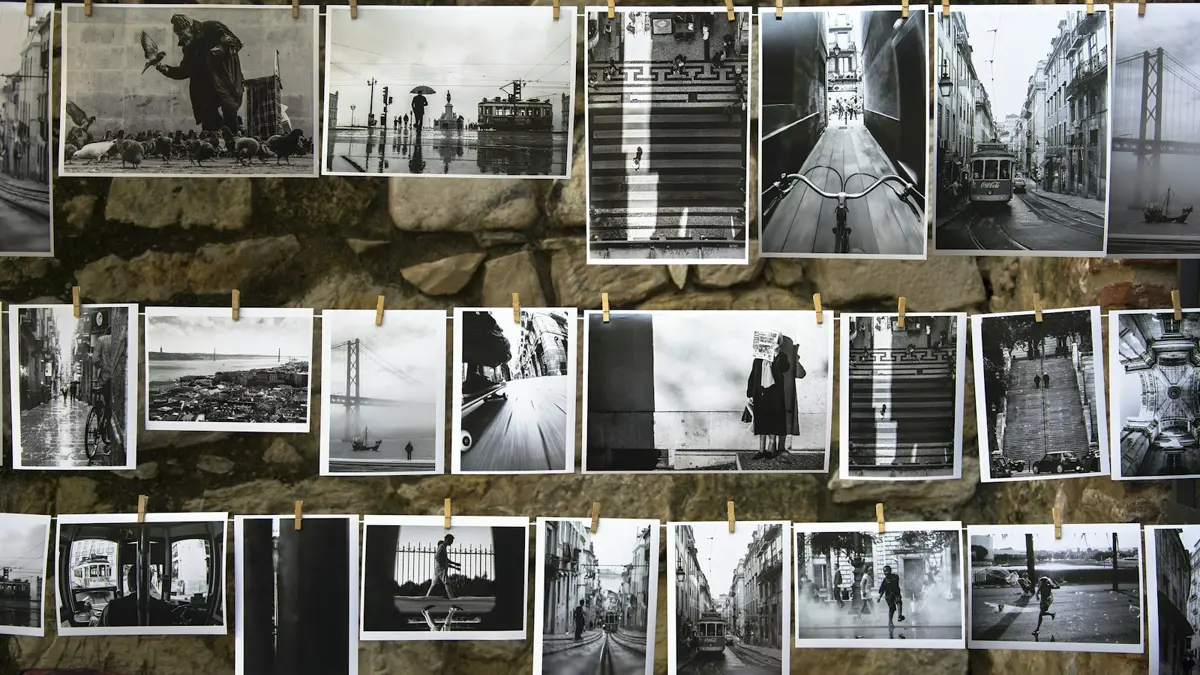
Different kinds of creatives need different things from a portfolio theme:
Graphic and brand designers need case study layouts that mix large images with explanatory text. Divi, Kadence and Blocksy handle this well.
Photographers need large, fast-loading galleries, full-screen images and minimal interface. Inspiro and Astra's photography templates are designed for this, and a CDN is especially valuable.
Videographers need embedded video players that do not slow the page. Use lightweight video embeds or preview images that load the player only when clicked.
Writers and content creators need readable typography and a clean blog layout more than galleries. GeneratePress, Blocksy and Twenty Twenty-Four are good choices.
Developers need project pages that link to live demos and code, with clean, accessible markup. A block theme or a lean classic theme keeps things simple.
Agencies and studios need service pages, team pages and case studies alongside the portfolio. Sydney, Divi and Astra's agency templates suit this.
Portfolio Plugins Worth Considering
Many themes handle portfolios with standard pages and posts, but a few plugin types can help:
- A gallery plugin for advanced galleries, albums and lightboxes, if your theme's gallery block is not enough
- An image optimization plugin to compress uploads and serve modern formats automatically
- A form plugin for project inquiry forms with useful fields such as budget and timeline. See WordPress form builder
- A custom post type plugin if you want a dedicated "Projects" section separate from blog posts
Keep plugins to what you actually use. Every extra plugin adds maintenance and can slow the site.
How to Structure a Portfolio That Wins Clients
A theme gives you the look. Structure turns visitors into inquiries:
- Lead with your best work. Show three to six strong projects, not everything you have ever made.
- Turn projects into case studies. For each one, explain the brief, your approach and the result. Clients hire for outcomes as much as visuals.
- Say who you work with. A short line such as "brand identity for food and drink startups" helps the right clients recognize themselves.
- Add an about page with a real photo and a short story.
- Make contact effortless, with a simple form and an email address. See add a contact form to WordPress.
- Show social proof only if you have it. Real client quotes and logos, used with permission, are powerful. Never invent them.
Updating Your Portfolio Without Breaking the Design
A portfolio is only useful if it stays current. Set up a simple routine so new work goes up quickly:
- Create a project template (a saved layout, pattern or Divi layout) with sections for the brief, process, result and images.
- Prepare images in batches, resized and named descriptively before upload.
- Write short alt text for each image, describing what it shows. It helps accessibility and image search.
- Retire weaker projects as you add stronger ones, keeping the portfolio focused.
Keeping an Image-Heavy Portfolio Fast
Portfolios are usually the heaviest sites a freelancer runs. To keep them fast:
- Resize before uploading. Export images at the largest size they will actually be displayed.
- Use modern formats such as WebP or AVIF through an image optimization plugin.
- Rely on lazy loading for images below the first screen, but not for the main hero image.
- Avoid autoplay sliders on the homepage.
- Use caching and a CDN so images load quickly for clients anywhere. Caching plugins such as WP Rocket help.
Final Verdict
For complete creative control and unlimited sites, Divi is the strongest portfolio platform. For a fast, free start, Astra's portfolio templates are hard to beat, and photographers should look closely at Inspiro. Pick the theme that matches how you like to build, then spend most of your time on the work itself. More theme guides are in the themes hub.
Frequently Asked Questions
What Is the Best WordPress Theme for a Portfolio?
Divi is the best choice for fully custom, design-led portfolios. Astra is the best free option with ready-made portfolio templates. Inspiro is a strong free choice for photographers and video creators.
Can I Build a Portfolio with a Free WordPress Theme?
Yes. Astra, Kadence, Blocksy, Inspiro, Sydney and the default Twenty Twenty-Four theme can all build a professional portfolio for free. Paid upgrades mainly add templates, layouts and design controls.
What Should a Portfolio Website Include?
A strong homepage, a portfolio or case study section, an about page, a services page if you take clients, and a clear way to contact you. Each project should show the work, the brief and the outcome.
Do I Need a Page Builder for a Portfolio Site?
Not necessarily. Block themes and block-friendly themes can build attractive portfolio layouts. A page builder like Divi or Elementor helps if you want highly custom layouts and animations without code.
How Do I Keep a Portfolio Site Fast with Lots of Images?
Resize images before uploading, use modern formats such as WebP, rely on lazy loading for images below the fold, and use a caching plugin and a CDN. Avoid heavy sliders on the homepage.
Should a Portfolio Include a Blog?
It helps. Articles about your process and case studies give search engines more to index and show clients how you think. Even a few well-written posts can bring in visitors.